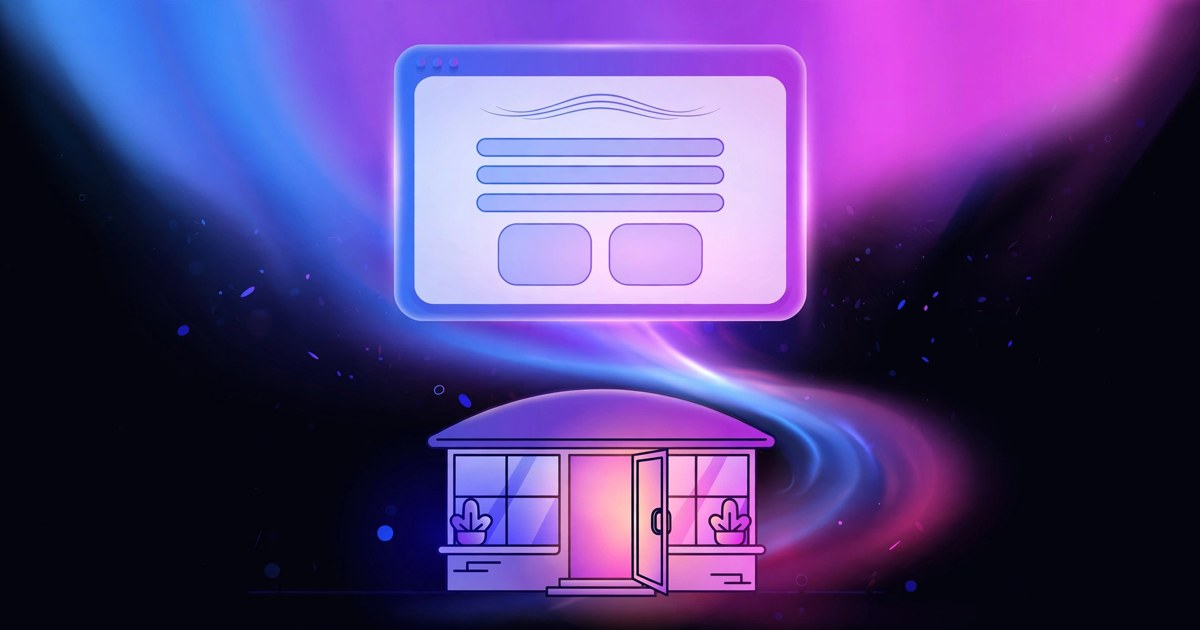
The Command Center: a clear design for businesses that sell a system · #19

If you run a software platform or a growing service company, a visitor has to grasp what your system does before they will trust it with their work. A page that lists features without showing the product, or that asks for several next steps at once, can make a clear offer feel tangled. The Command Center design exists to fix that one problem.
Who The Command Center is built for
The Command Center is built for software platforms and growing service companies. It assumes your visitor is comparing options, trying to picture how your system would fit their day, and looking for a business that sounds confident about what it sells. The first impression needs to feel organized and direct, without feeling pushy or cold.
It is a weaker fit if your business leads with mood, long photo galleries of physical work, or a quiet and personal tone. Those businesses are served better by designs that lead with atmosphere, pictures, or one named person. The Command Center leads with the product itself, and it is honest about that job from the first screen.
What the design does well
The design uses a bright blue gradient hero, with the product visual front and center, and one clear action on every screen. The gallery describes it as a confident layout for a business that sells a system, not just a service. That order matters. A visitor sees what you offer, sees it in use, and knows the next step without hunting for it.
Because the same clear action repeats from screen to screen, the page never leaves a reader guessing. Someone who is ready early can act early. Someone who needs to read more can keep going and find the same simple step waiting. The confidence comes from clarity, not from loud claims.
The rest of the page keeps that order while covering the practical questions. Your services, photos, hours, and service area are part of what a free website includes, along with a contact form plus click to call on mobile, a map and directions, and links to your social profiles. The design is mobile optimized and fast loading, with an SEO ready setup, SSL security, and automated backups. A visitor can check what the system does, who it serves, and how to reach you, in a layout that feels as organized as the product they hope to buy.
What to pair it with
A clear design works best when the material behind it is clear too. Before you choose The Command Center, gather the pieces that let it do its job well:
- A clear view of your product or system, saved for the opening screen
- A plain list of your services, written in the words customers use when they ask for help
- A short note on who you serve best, so the right companies recognize themselves
- One clear next step you want a visitor to take, stated in simple words
- Your hours and the area you serve, stated clearly so the right visitors reach out
- A phone number visitors can tap to call from a phone, checked and current
- Your colors, or a color direction you like, since your site is built in your colors
- Any logo you already have, or a simple direction if you are starting without one
You do not need a long explanation of every feature. A clear product view, a plain service list, and one steady next step often serve a visitor better than a dense page.
How it looks in your colors
Choosing a design does not mean your site will look like another company. Every design in the gallery is a real website our team has already built, and yours starts from the one you pick, in your colors, with your content. In the application you pick The Command Center, choose a color direction or describe your own colors, and tell us about your business and what you want the site to do for you. We then build your preview in that design, so you can judge it with your name, your services, and your details in it.
Before launch, you also get a walkthrough for updating text, photos, and hours yourself, so routine changes do not have to wait on anyone and the page keeps matching the business you run today.
If your business wins customers by making a system easy to understand and easy to start with, The Command Center may be the right home for it online. Apply for your free website, pick The Command Center and your colors, and tell us what you want the site to do for you. A real person on our team reviews every application, and if your business qualifies, we build your website for free.